Needs you, then today.
Home opens on what is waiting on you: new requests, trips with no car, drivers not sent the details, kms to check, balances to come. Then today's and tomorrow's trips in time order.
Your cabs. Your prices. Your bookings.
Customers book on your own Cabaro page, so you need no website. You send the price, assign a car and driver, and bill at the end, all from your phone. The customer pays you directly. For one car or a full fleet.
Plans from ₹199 a month, plus GST. Your account is ready as soon as you pay.
Examples: Sharma Travels' Sedan prices, as typed by them. Cabaro never suggests a fare.
₹12 a km
300 km a day minimum, ₹300 driver allowance, ₹250 a night
Shirdi, Lonavala, Goa: per km, with your minimum and allowances.
₹2,200
8 hours, 80 km, then ₹200 an hour and ₹14 a km
A day of meetings, a city tour, a wedding car: packages you define.
₹3,500
Mumbai Airport to Pune
Airport runs and the routes you price the same every time.
₹3,000 a day
250 km a day included, then ₹12 a km
A car and driver at the customer's disposal, by the day.
₹2,200 a day
300 km a day or unlimited, ₹200 off a day from 3 days, ₹5,000 deposit
Your rental cars, driven by the customer: 24-hour days, late hours and longer-rental discounts.
The one-minute film
A request on your own page, your price on WhatsApp, money straight to you, a trip sheet for the driver and the bill.
How it works
One trip, T-0104: Vikram Sethi, 5 people, Thane West to Shirdi and back in an Innova Crysta, with Sharma Travels.
Send your link on WhatsApp, or put it in your Instagram bio and on your website. Customers pick Outstation, Hourly, Fixed route, Per day or Self-drive, give exact addresses with Google address search, and choose a car. No app, no account.
Cabaro measures the road distance once and applies your own price list: your rate a km, your minimum, your driver allowance. 490 km to Shirdi and back comes to ₹9,710, and the estimate always says it is not the final price.
The request lands in Needs you, and in your email. Type your price and the advance you want, here ₹9,500 with ₹2,000 upfront. Cabaro writes the message and the link; you tap send. Cabaro never messages your customer.
The link shows your price beside the estimate, with your terms. Accept and pay opens your options: UPI to your own UPI ID, your payment link, bank transfer or cash. The money goes to you, and you mark it received.
Assign a car and driver, and Cabaro warns you if either is already out at that time. Send to driver opens WhatsApp with the trip and a link: the customer, each address with Navigate, and your notes. Ramesh needs nothing installed.
The driver types the toll and parking on the same link, and the km when the trip ran differently. Cabaro works out the bill from your price list, or from your quote when there are no km, and you check every line before your customer sees it. 502 km and the extras come to ₹11,578, with ₹9,078 still to come.
Your request page
One link with your name, your colour, your cars with a picture of each model, your prices, what is included and your terms. Customers see what you offer before they ask, so requests come with exact addresses already filled in.
For the dispatcher
Home opens on what is waiting on you: new requests, trips with no car, drivers not sent the details, kms to check, balances to come. Then today's and tomorrow's trips in time order.
Permit, insurance, fitness and PUC for each car, licence and badge for each driver. Reminders at 30, 7 and 1 days.
Date, time, and a name or a phone number. A returning customer fills in from their number.
No calendar to fill in. When a car or driver is already on a trip at that time, the assign sheet says which one. You can still assign it.
A new request, a price accepted or declined, a trip tomorrow with no driver, a trip not closed. To you, never to your customers, in the app and by email on every plan.
Every screen works on a phone in one hand at a pickup point, and on the office laptop. Nothing to install: it opens in the browser.
The car catalogue
From a Wagon R to a Volvo sleeper coach, a Tempo Traveller to a Rolls-Royce. Pick the model on a car or a category, and your customers see an example picture of it, with the plate and the make year once a car is assigned. On Pro and Fleet you can put up your own photo instead.

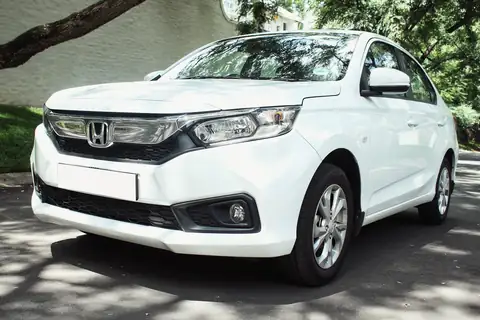
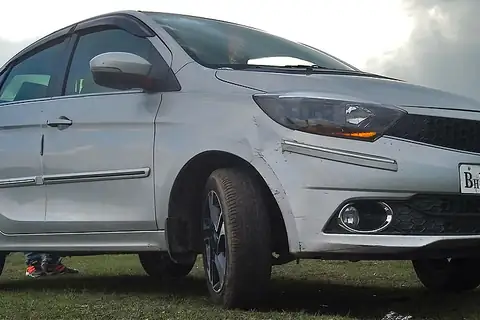







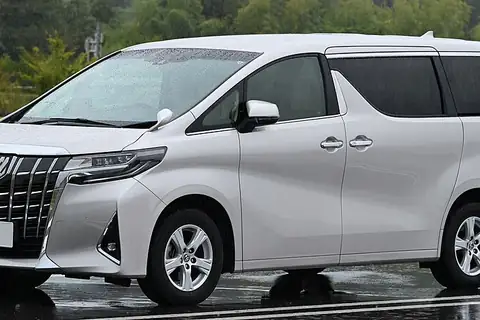
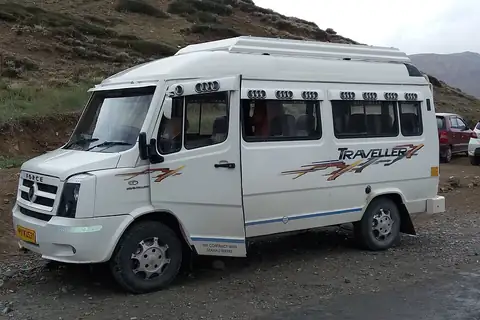
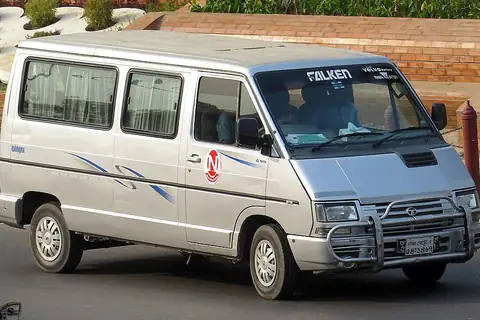

Example pictures from Wikimedia Commons. Photo credits
Who it is for
One account for the whole fleet: a Dzire on an airport run, a 26 seater tempo traveller on a yatra, a Volvo coach for a wedding party and a Mercedes for the groom. Each kind of vehicle is a category with its own seats, prices and picture.
Sedans, SUVs and Innovas on airport runs, local packages and outstation trips.
Read more39 group models from a 6 seater van to a 50 seater coach, for tours, weddings and yatras.
Read more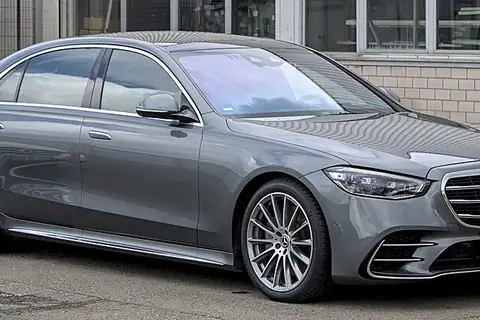
49 luxury models, from a Mercedes E-Class to a Rolls-Royce, priced by the hour or on request.
Read more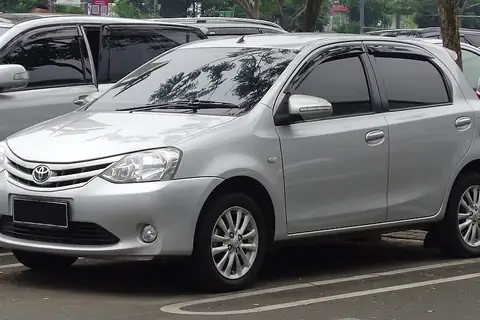
Cars by the hour, by the day or by the km, with a bill worked out from your own package.
Read moreNot a marketplace
You hold the permits, set the prices and carry the trip. The booking is in your name. We charge a monthly fee and nothing per trip.
You type every rate. Cabaro uses exactly what you typed.
To your UPI ID, your payment link, your bank or your driver. No money passes through Cabaro.
Your customer list is only for you. We don't contact your customers.
Quotes, trip sheets and bills leave from your own WhatsApp, in your words.
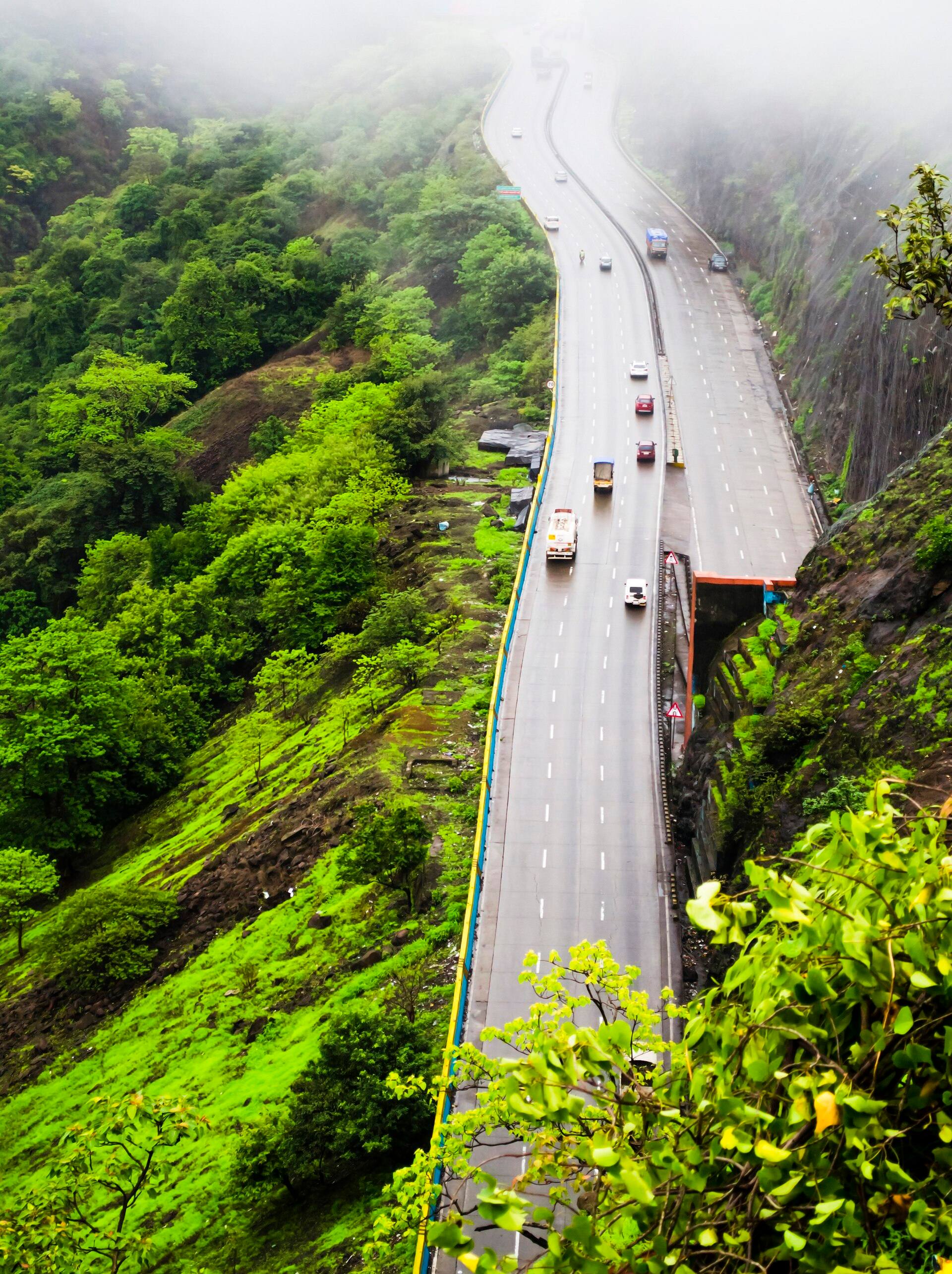
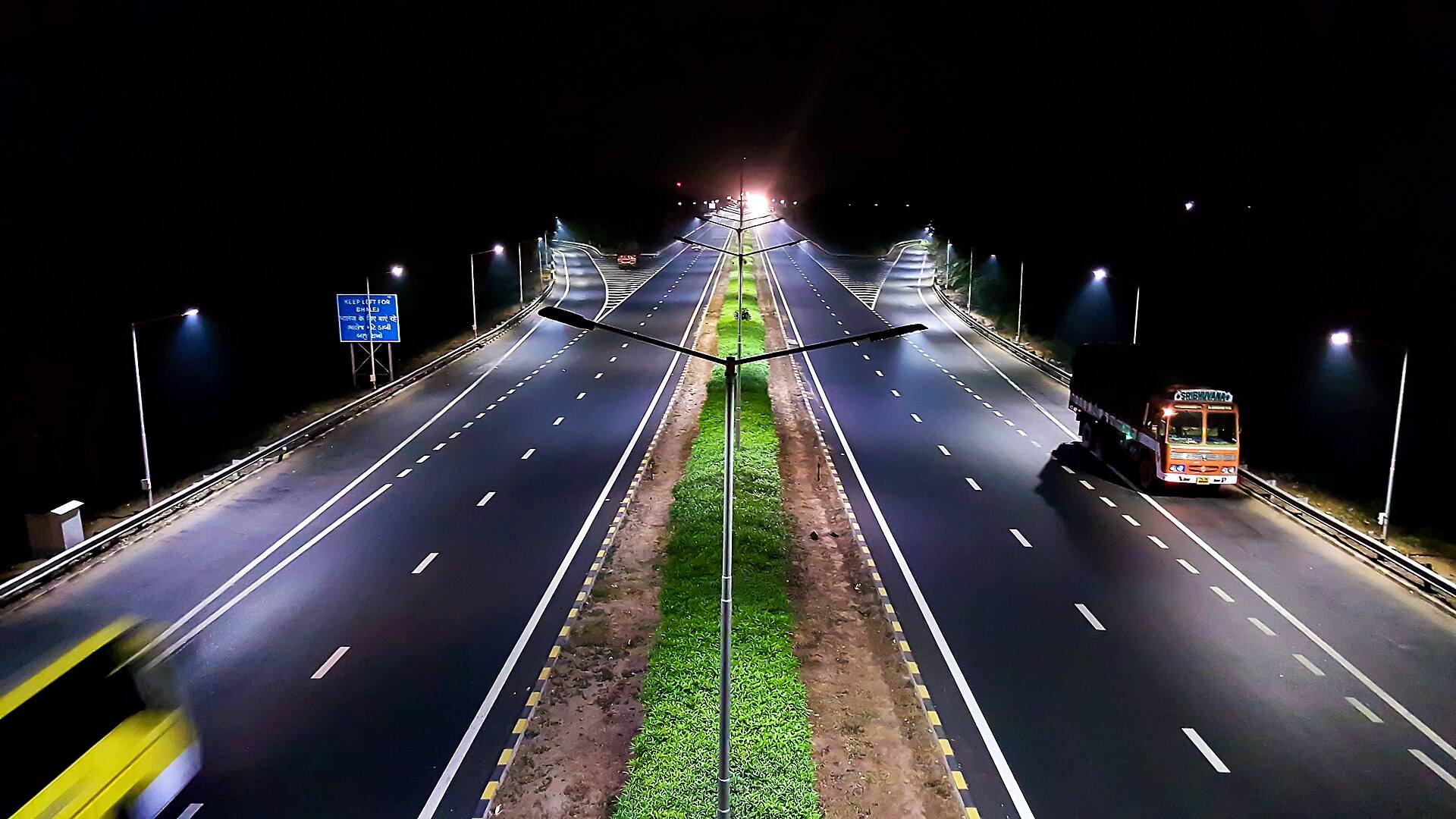
Mumbai to Pune Expressway, in the Western Ghats.
Videos
Categories, trip types and a rate for each.
Your colour, one link, requests to you.
Your price on WhatsApp, paid to your UPI.
A car by plate, a trip sheet on WhatsApp.
The driver's km make the bill. You check it.
Your colour, five kinds of trip, your cars with pictures, exact addresses and an estimate from your own rates.
All videos on YouTubePricing
One car or a whole fleet: your plan is set by how many cars you list. Basic is ₹199 a month for one car and its driver. From ₹799 you get 5 cars, Google address search, estimates and self-drive; the bigger plans carry more cars and priority support.
Sign up with your business, your cars and the plan you want, and pay for the rest of the month by UPI or card. Your account is ready as soon as the payment goes through. After that your plan is paid automatically on the 1st of each month, and you can turn that off in Settings. Prices are in rupees, plus 18% GST.
Top up for the rest of the month by writing to support@triplli.com. Or carry on without: the customer types the address, and you do the rest yourself, as on a phone call. Check the route, work out your price, agree it with them and send your quote. Requests never stop.
Sign up with your business, your cars and the plan you want, and pay for the rest of the month by UPI or card. Your account is ready as soon as the payment goes through, and your plan is then paid automatically on the 1st of each month, which you can turn off in Settings. Then you add your prices and share your booking page. Prices are in rupees, plus 18% GST.
Yes. Cabaro is for one car and its driver up to a whole fleet. Basic is ₹199 a month for one car and one driver, with your own booking page, 30 inquiries a month and email for each one. When you add cars, you move up a plan and keep everything.
No. Your Cabaro booking page is your website: your name, your colour, your cars and your prices on one link. Put it on WhatsApp, your Google Business Profile, Instagram and your visiting card. Fill in your details, add your cars and prices, and you can take customers the same day.
No. Cabaro is software you pay for. You are the transport provider: you hold the permits, set your prices and take your customer's money directly. Cabaro never takes a booking in its own name, never brings you customers and takes no commission on a trip.
Never. Your customer pays you by UPI to your own UPI ID, by your own payment link, by bank transfer or in cash, whichever you switch on. You mark a payment received when it arrives, and Cabaro never shows a payment as received until you do.
No. Cabaro tells only you, in the app and by email. Everything to customers and drivers goes from your own WhatsApp: Cabaro writes the message and the link, and you tap send.
No. You type your own price list for each car category and booking type. On every plan but Basic, the customer sees an estimate worked out from your price list and the measured distance, always labelled as not the final price. Your quote is always typed by you.
No. Each driver gets a link on WhatsApp for each trip: time, customer, pickup and drop with Navigate, and Close trip to enter the km, toll and parking. There is nothing to install and no login.
The customer picks exact addresses with Google address search, and Cabaro measures the road distance once per request. Each list of suggestions shown while they type, each address picked and each distance counts as one Google call against your plan's monthly allowance. Basic has no address search and no estimate: the customer types the address and sees your rates, and you send the price.
Requests keep coming. Top up for the rest of the month, or carry on without: address search switches off, the customer types the address, and you do the rest yourself, as on a phone call. Check the route, work out your price, agree it with them and send your quote. You are told at 80% and at 100% of the month's calls.
Yes. Categories are yours to name, so a 12 seater Tempo Traveller, a 45 seater coach or a Mercedes E-Class is a category with its own seats, luggage and prices. The catalogue has 39 vans, tempo travellers and buses and 49 luxury cars with example pictures. Cabaro hires out whole vehicles; it does not sell bus seats.
No. Cabaro has a catalogue of 235 Indian cab models, from a Wagon R to a Volvo coach. Pick the model on a car or a category and your customers see an example photo of it.
Yes, on every plan. Switch invoices on in Settings, and add your GSTIN and the rate you charge for tax invoices. Each closed trip gets a numbered invoice that you or your customer can download as a PDF, with CGST and SGST or IGST worked out inside the total, and toll and parking shown outside it. You can switch GST off for one trip, or bill a company with its GSTIN. Nothing is sent: you share it yourself.
Yes. A phone booking needs only a date, a time and a name or phone number. A returning customer's details fill in from their phone number, and you can still send them their trip link to see the details and pay.
No website needed: your Cabaro link is your website. Customers send trips at midnight; you send the price in the morning, on WhatsApp. Tell us your city and how many cars you run, and we will show you Cabaro on a call.